Rebuilding Content Lashmi With Claude Code
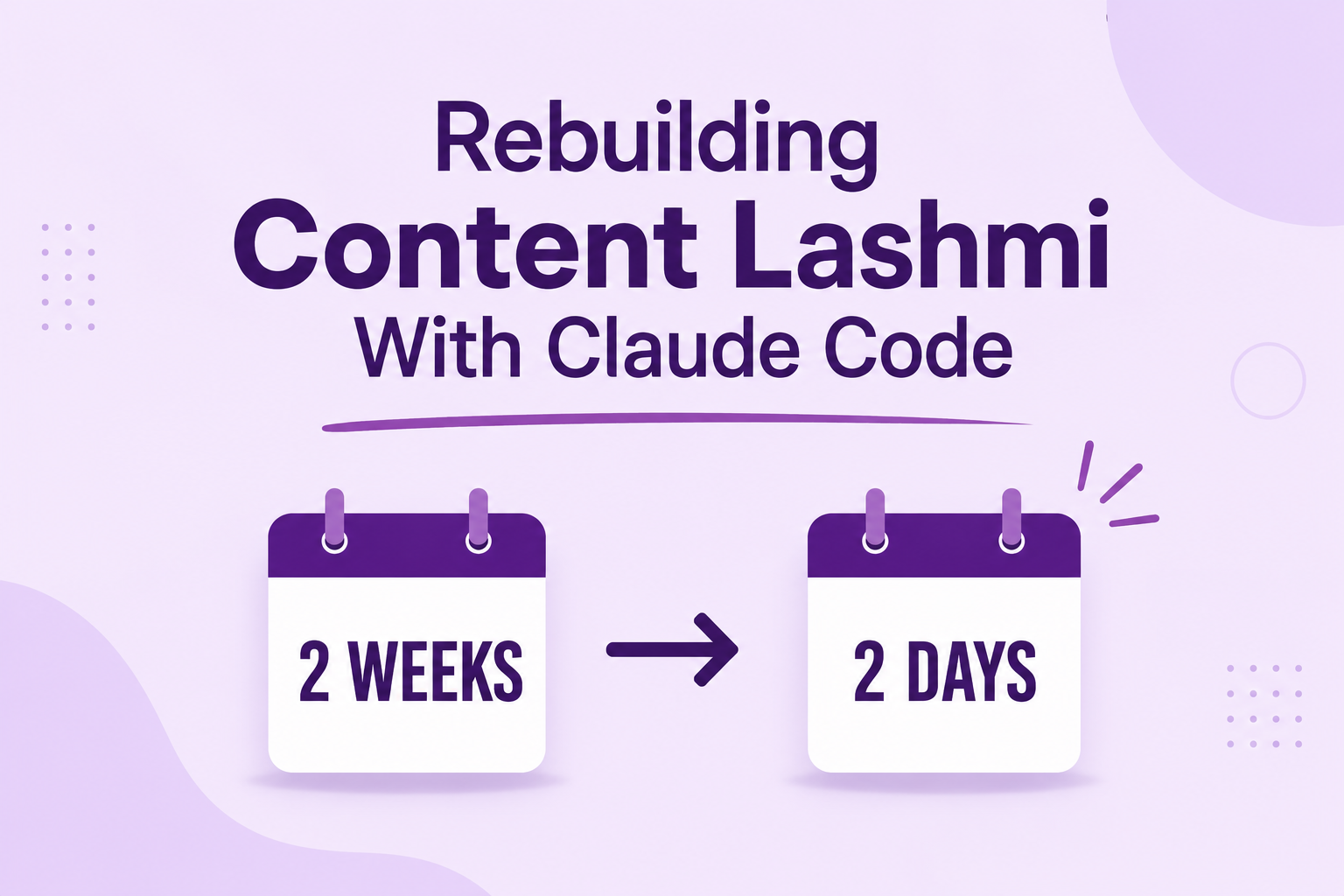
In 2021, my first website took a week. Rebuilding a website with AI, five years later, took under a day. Here’s what surprised me.
Over the past few years, AI has been everywhere. Every day, one or new AI tools are released in the market. Every day, I come across stories of people building websites, developing applications, creating games, or automating work using AI. It almost feels like these days, anyone can build anything with the right AI tool.
I was wondering, if people can build applications with AI, can I rebuild my own website with it?

That one question took me back to the old version of Content Lashmi. I built it back in 2021 during my Digital Marketing Internship. One of our assignments sounded simple, build a WordPress website from scratch.
Simple on paper. Not so simple in reality. Back then, every step was new to me.
And honestly, I never imagined that five years later, I’d be rebuilding the same website with AI.
Back to 2021: Building a WordPress Website Manually
I still remember that week. It all started with buying a domain, then a hosting plan, and somehow connecting both. I was spending more time inside hPanel than anywhere else, trying to understand what every option actually did.
Then came WordPress. Installing it was the easy part. Logging into wp-admin for the first time was exciting, but also confusing. So many menus. So many settings. I didn’t even know where to start.
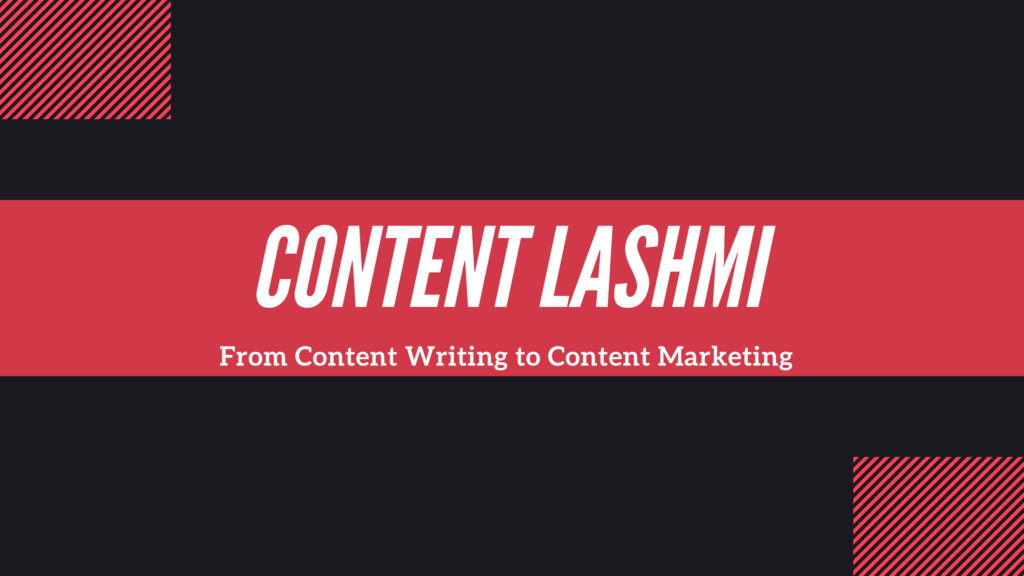
I spent hours choosing a theme. I created the site around “Content Writing to Content Marketing“.

Then creating pages. Setting up menus. Categories. Widgets. Trying to make everything look decent. Every time I clicked somewhere, I discovered another setting I had never seen before.
Then came the plugins. One after another. SEO plugin. Site Kit. Security plugin. Backup plugin. SSL certificate. CDN setup. Cache. Dark theme design. Site Health. Headline Analyzer.
I also had to learn how it all connects – Sitemaps, Google Search Console, Google Analytics, subscribers, comments, contact forms, social media links.
Making it work properly on mobile was another challenge. Then came PageSpeed. Fix one issue. Another warning appears. Fix that. Something else stops working. Then back to Google. Back to YouTube. Search… watch… try… repeat.
The best thing about my internship was the way they taught us. They never gave us a step-by-step solution. They gave us the direction. They guided us whenever we got stuck. But the figuring out part – that was on us.
There were moments when I doubted myself. I wondered if I was doing something wrong or simply taking too long. Sometimes I even thought maybe this wasn’t for me. But every problem pushed me to learn something new, so I kept going.
Today, building a website like this takes anyone only a few hours with drag and drop options. Back then, it took me 2 weeks with self learning. I still remember that week so well – not because it was difficult, but because I went through every single step myself.
That week became the foundation for everything I did years later, including rebuilding this very website with AI.
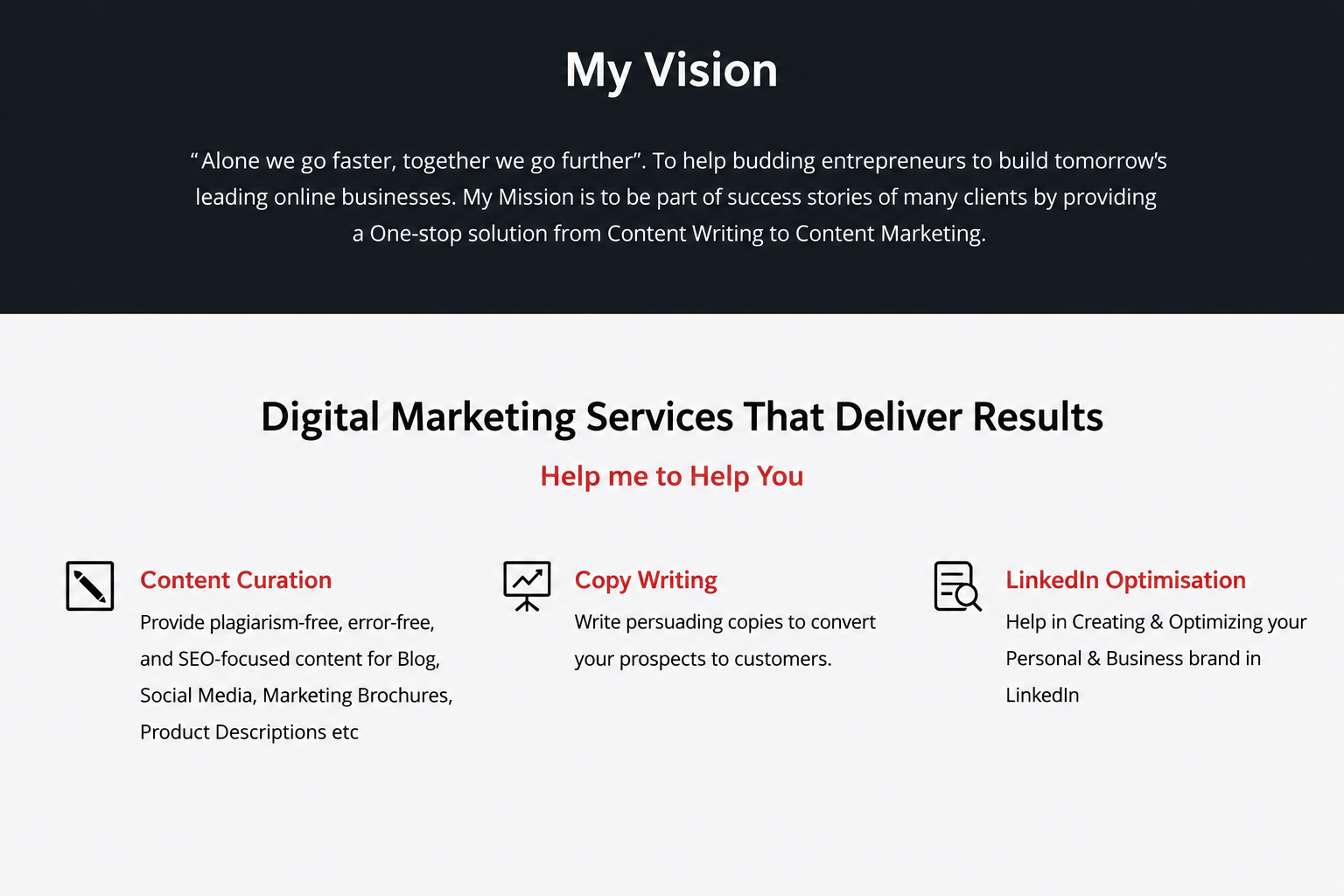
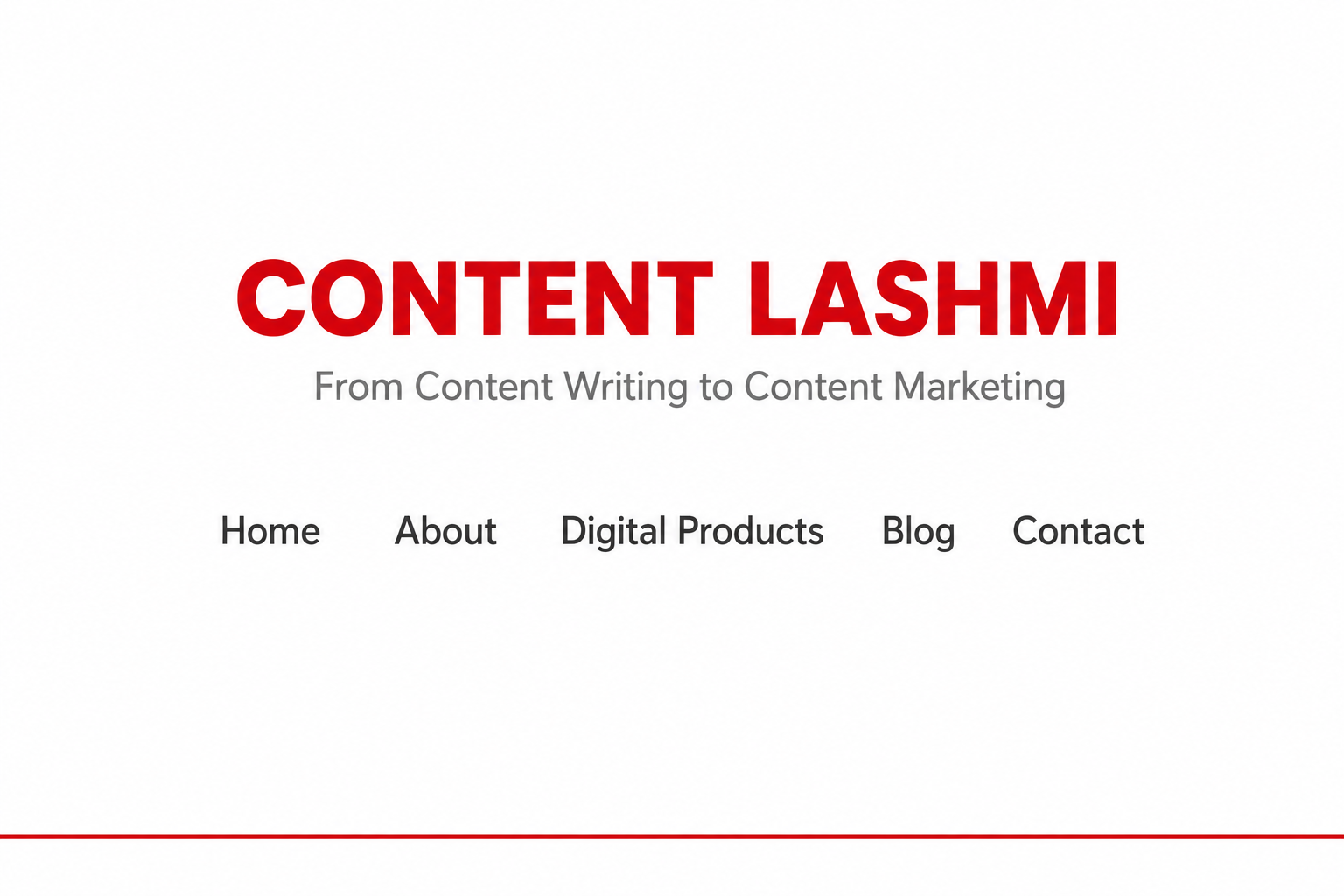
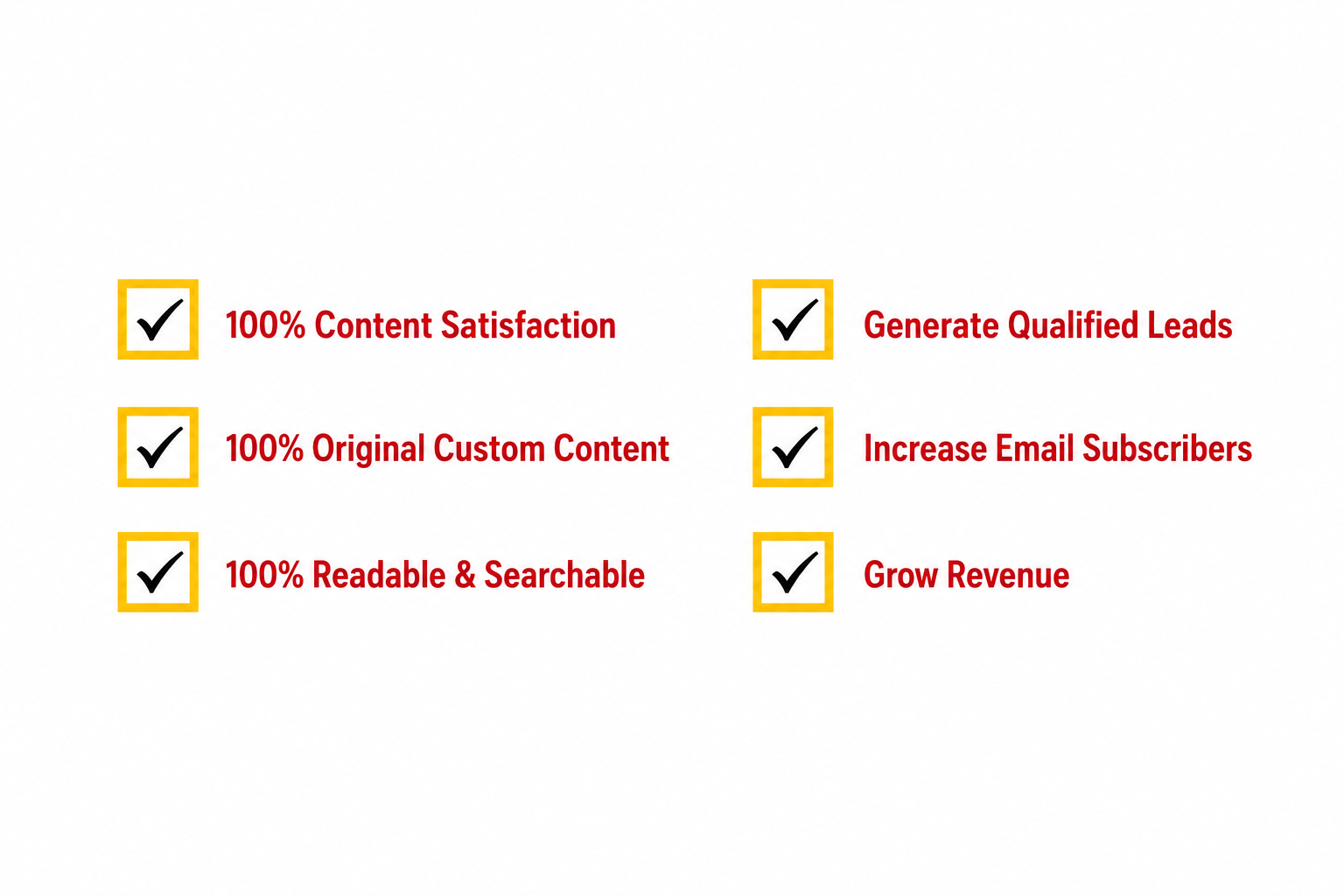
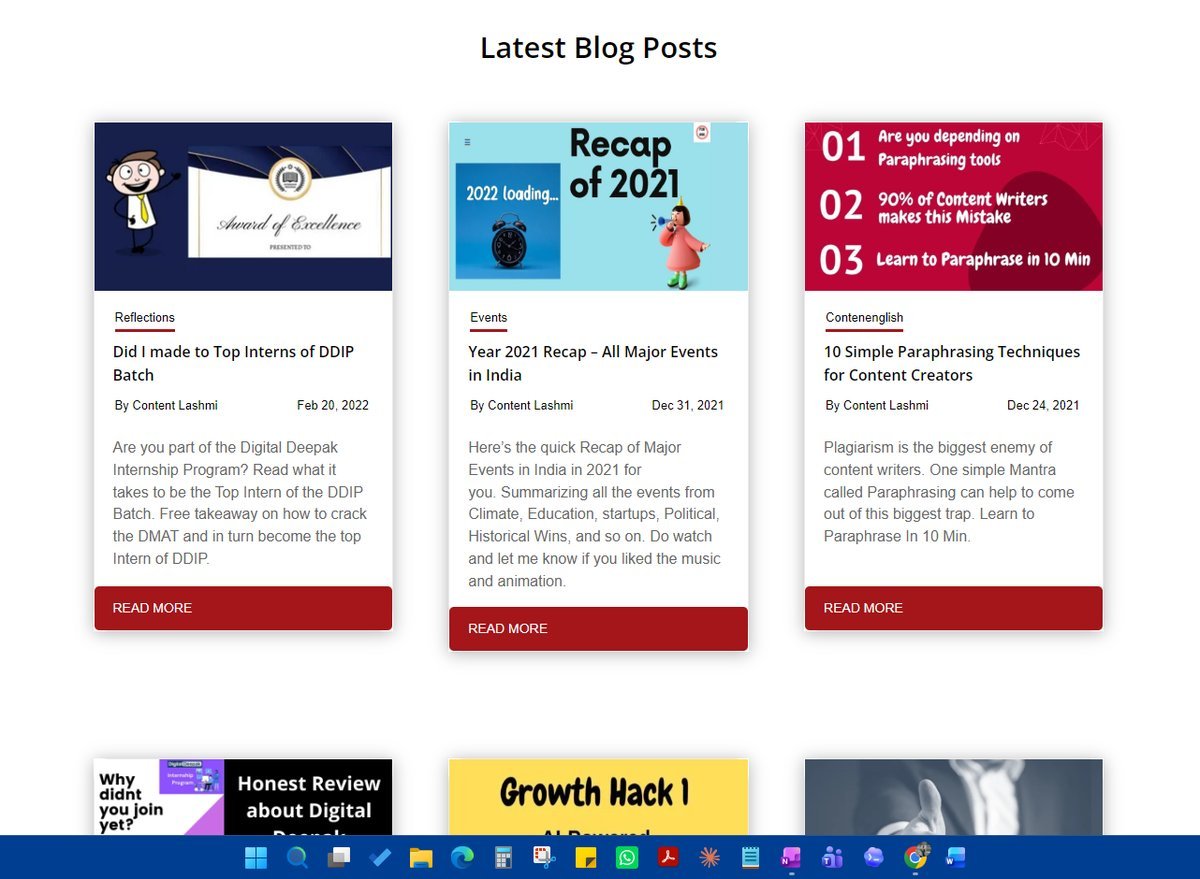
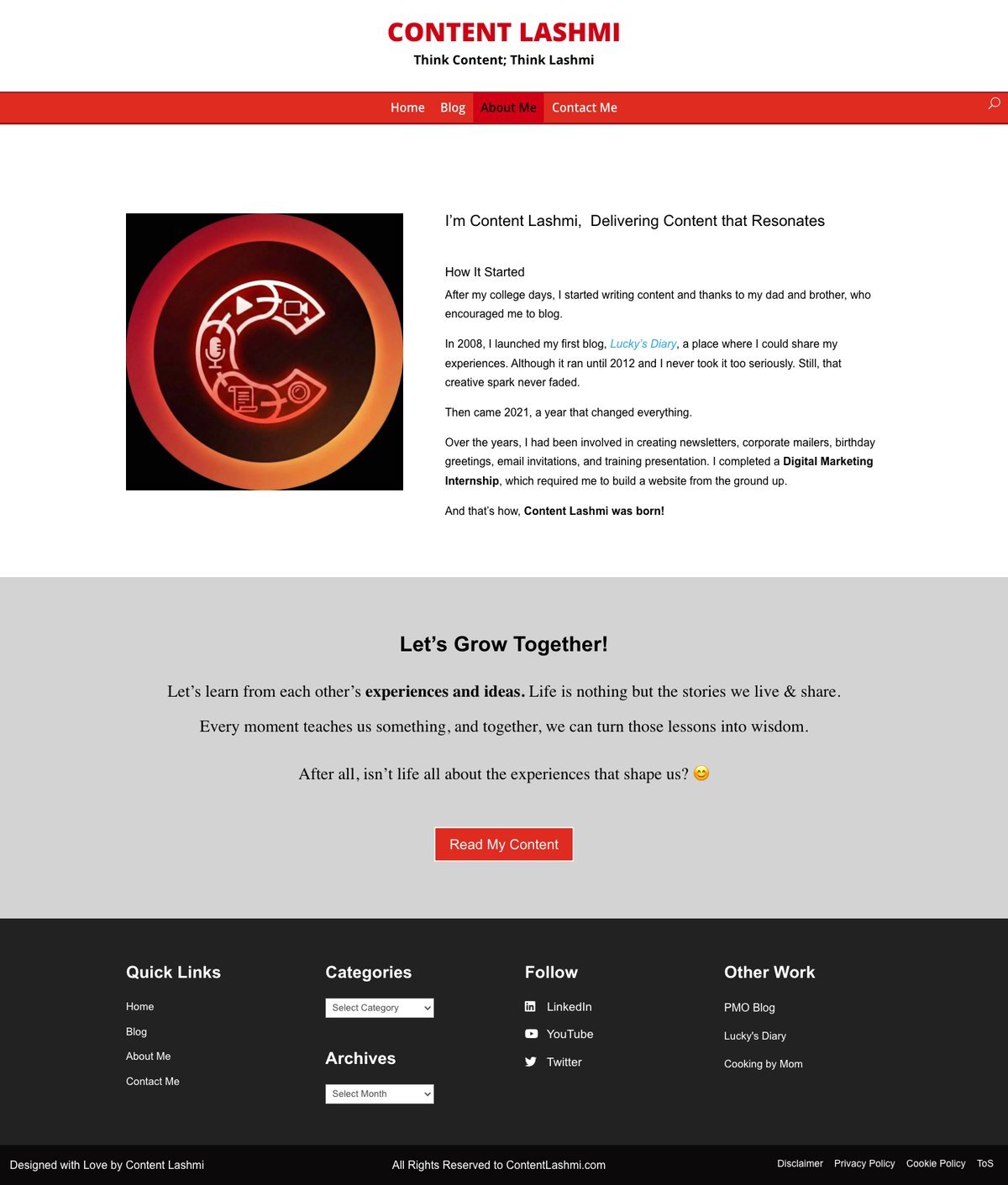
This is how I designed my blog previously.
Fast Forward to 2026: Rebuilding a Website with AI
Could AI really help me rebuild my own website? There was only one way to find out.
So I decided to rebuild it with the help of CLAUDE CODE. This wasn’t just a redesign. It was my first time rebuilding a website with AI, and the whole experience felt completely different.
Rebuilding Content Lashmi: Claude Code Prompt
Before getting started, I took a short course on Claude Code to understand the basics. I didn’t want to jump in without knowing how it worked. Once I felt confident enough to start, I set up a staging environment, connected through SSH, and began working from there.
There’s always a difference between knowing something and actually doing it. This project was where I finally closed that gap. Looking back, finishing this project gave me a real sense of satisfaction.
Below is the system starter prompt. Post which, I started to give many user prompts, one feature at a time.
I want to update my website hosted on [hosting provider]. Here are the details:

CONNECTION:

SSH command: [redacted]
SSH host/IP: [redacted]
SSH port: [redacted]
SSH username: [redacted]
Site: [staging subdomain] (staging)
Project folder: [staging subfolder path]

CONTEXT:

This is my STAGING site, not the live site. Do not touch the live directory directly, only the staging project folder.
The site is currently built on WordPress using the Divi theme. I want to move away from Divi and switch to a simpler, lightweight theme/design. Interview me before anything you need to know or face issues.

DESIGN REQUIREMENTS:

Clean, minimal layout. No heavy builder-style sections, no unnecessary animations or bloated page elements.
Faster page load. Divi has been adding overhead, so the new design should be lightweight by default.
Simple typography and spacing, easy to read on mobile.
Keep each page visually consistent, same header/footer structure, same spacing rules across all pages.
Content should stay the focus, no distracting design elements competing with the writing.
Retain my existing content and structure, just presented in a cleaner, simpler way.
Interview me before anything you need to know or face issues.

TASK:

1. I'm new to this, so let's keep things simple. First, connect to the server via SSH and explain what you're doing at each step.
2. Before making any changes, I'll describe what I want in plain English, one change at a time. I may not always use the correct technical terms, so if anything is unclear, ask me questions. Don't make any changes until I confirm.
3. Make every change only in the staging environment. After each change, let me test and validate it myself. If I'm not happy with the result, be prepared to revert or modify the change before moving to the next one.
4. Ensure all changes are fully applied and test them across desktops, laptops, tablets, and mobile devices.
5. Verify that the website displays correctly in both light mode and dark mode. Fix any responsiveness, layout, styling, or display issues before we proceed.
6. Once I've completed my testing and approved everything in the staging environment, we'll plan and execute the go-live deployment.

IMPORTANT:
Always confirm with me before running any command that deletes or overwrites files.
Don't touch anything outside the staging environment.
If editing WordPress theme/plugin files, back up the original file first before changing it.
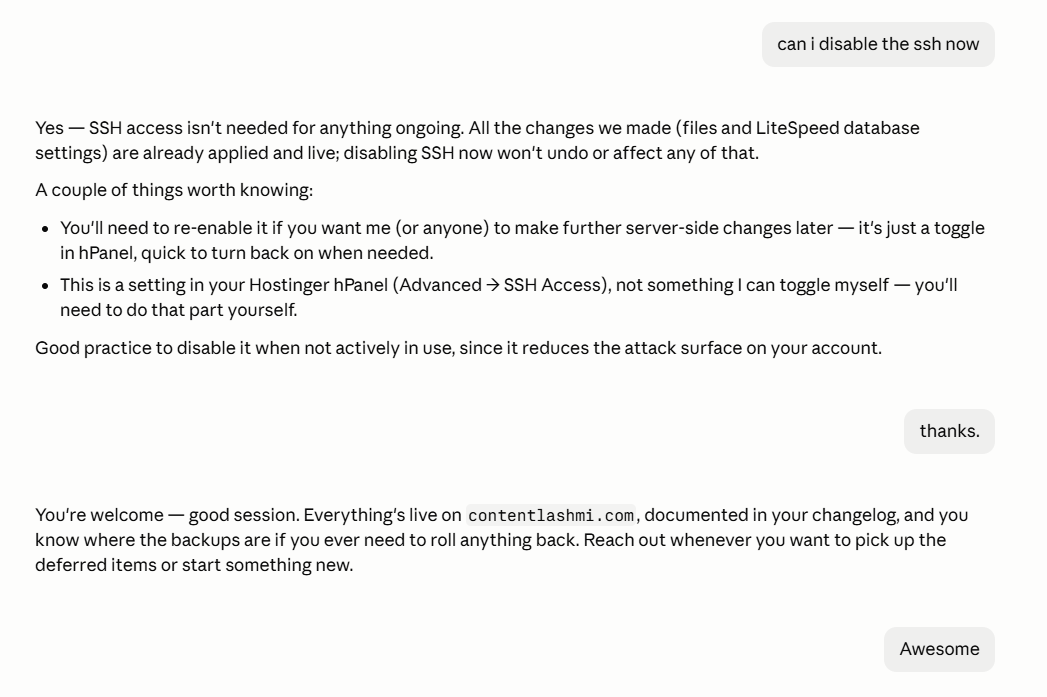
Most of the time, I wasn’t clicking buttons anymore. It was more like having a conversation. I’d explain what I wanted, give a prompt, review the changes, make a few tweaks, and continue from there.
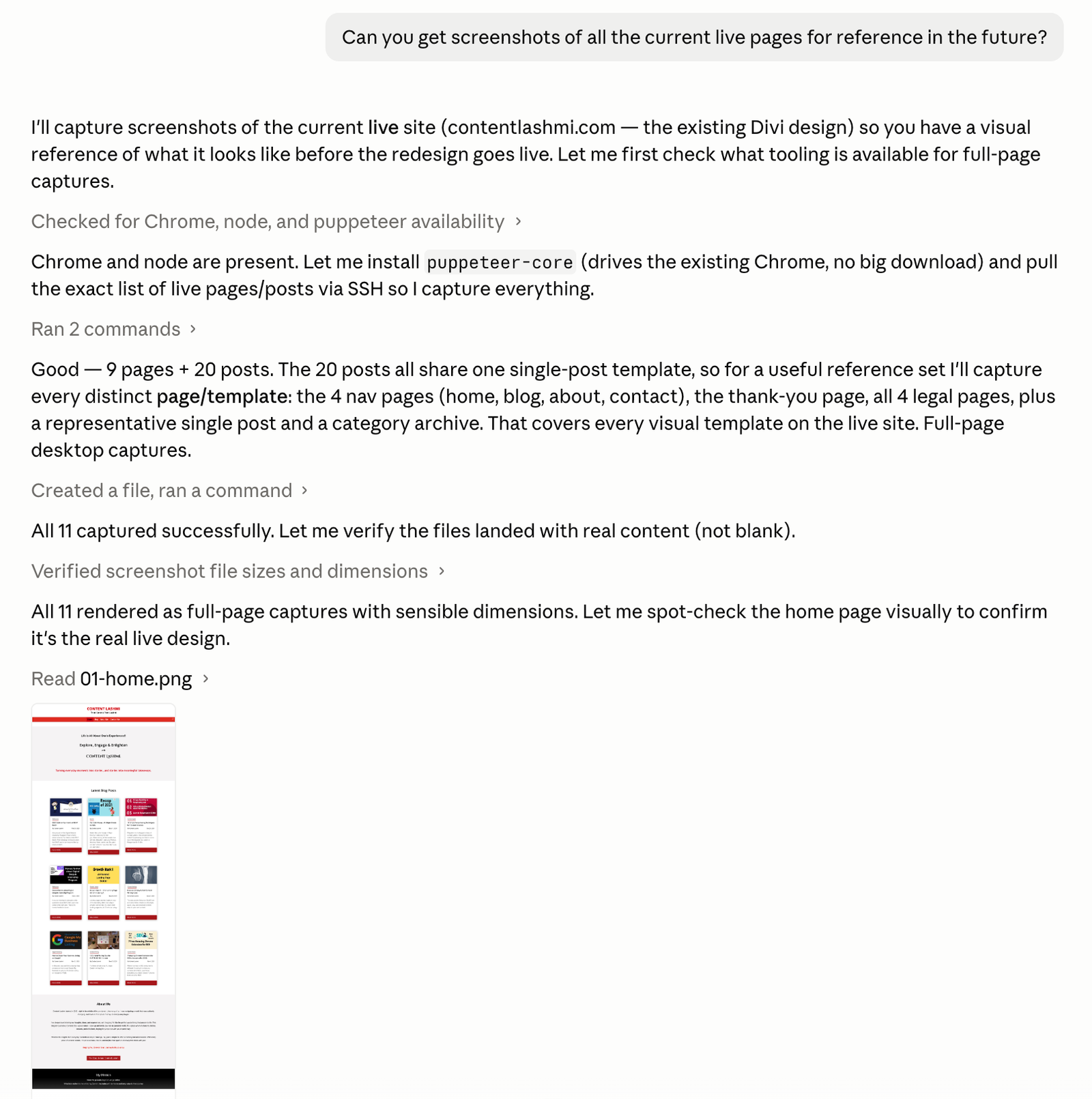
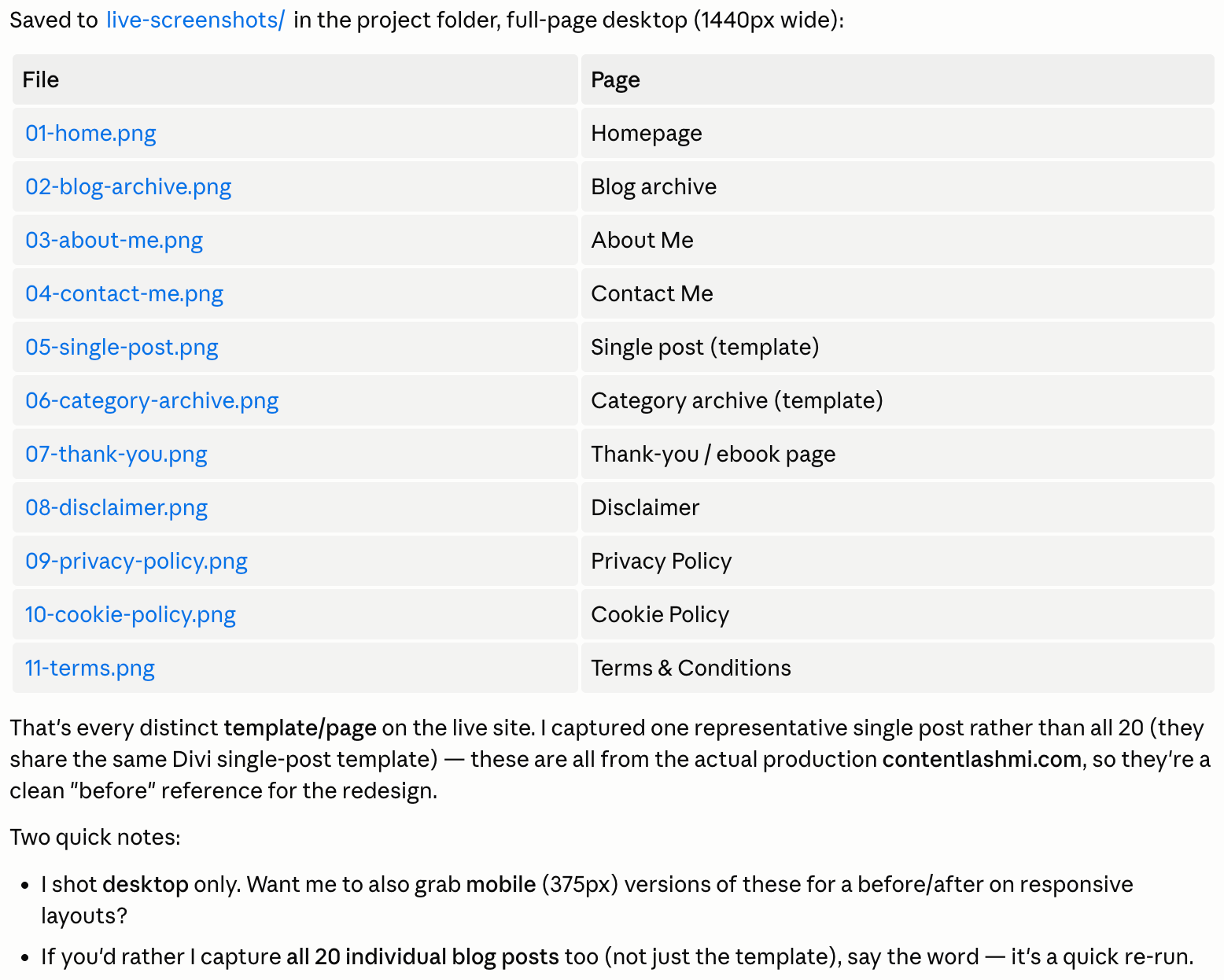
We redesigned the homepage first. Then moved to responsive layouts. Claude Code started pointing out SEO improvements, performance issues, and technical fixes that I hadn’t noticed myself.
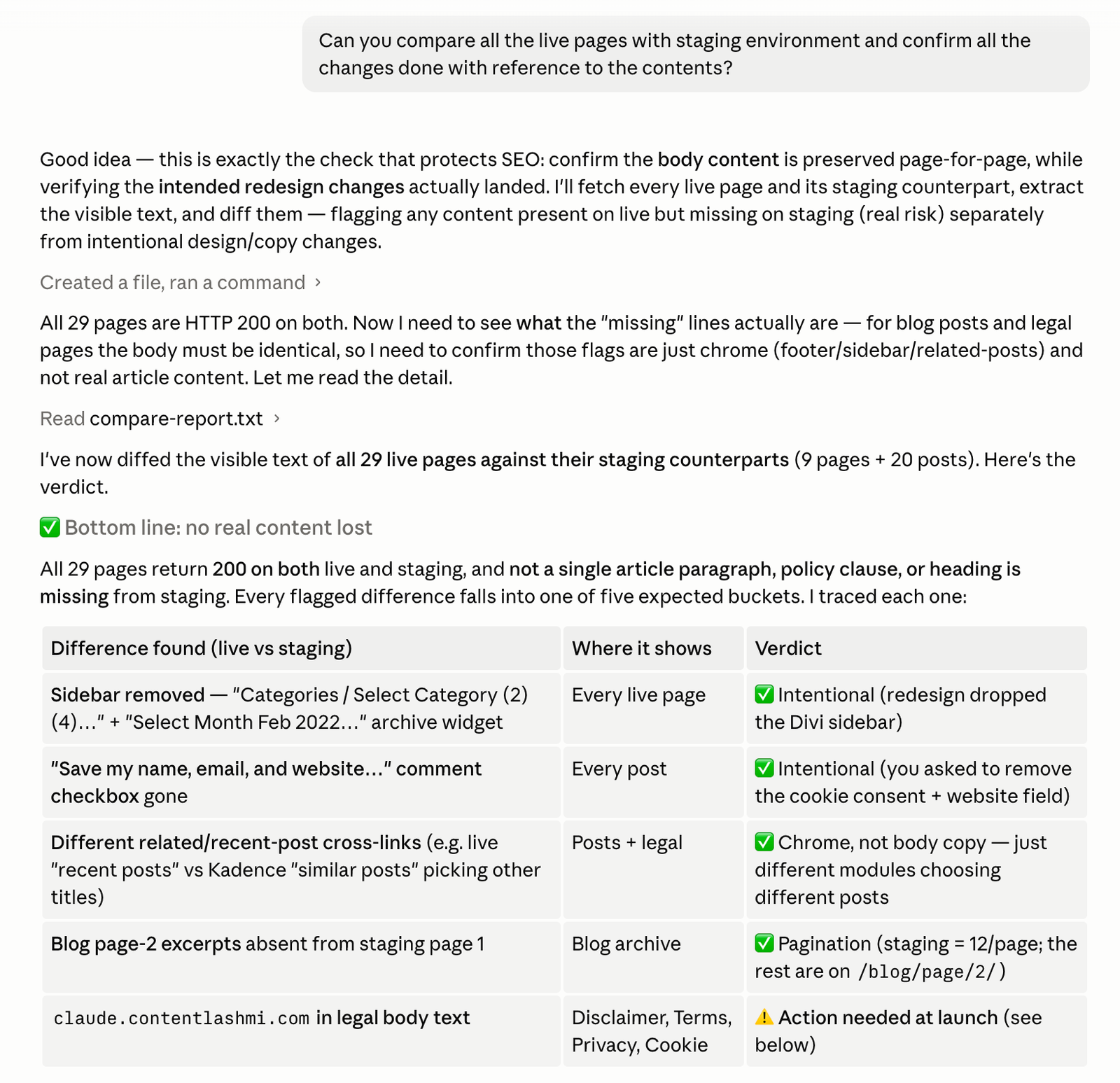
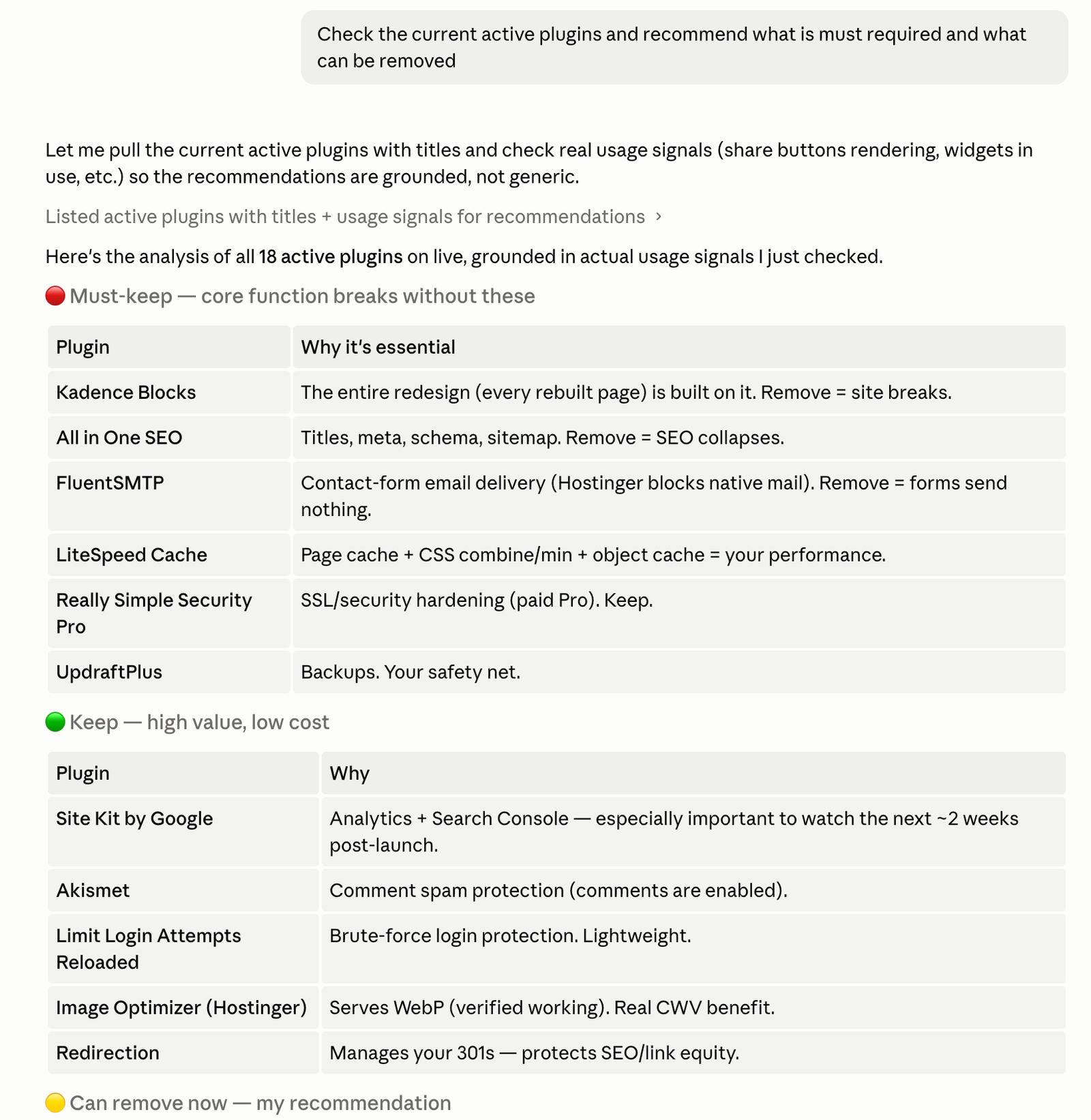
I also worked through PageSpeed improvements, plugin cleanup, indexing recommendations, metadata, and a lot of small things that usually get missed. Every prompt uncovered something else that could be improved.
The biggest difference was the speed. Things that had taken me almost a week back in 2021 were happening in minutes – not because I skipped the learning, but because I already knew what needed to be done. AI simply helped me do it much faster.
What Really Hit Me
The website redesign wasn’t the biggest surprise. What surprised me more was how much things have changed in just five years.
Back in 2021, whenever I got stuck, I searched Google, watched YouTube videos, tried things, and repeated the process until something worked.
Working with Claude Code felt less like using a tool and more like sitting with a developer. I’d explain what I wanted, discuss different approaches, review the changes, ask for improvements, and keep refining until it looked the way I wanted.
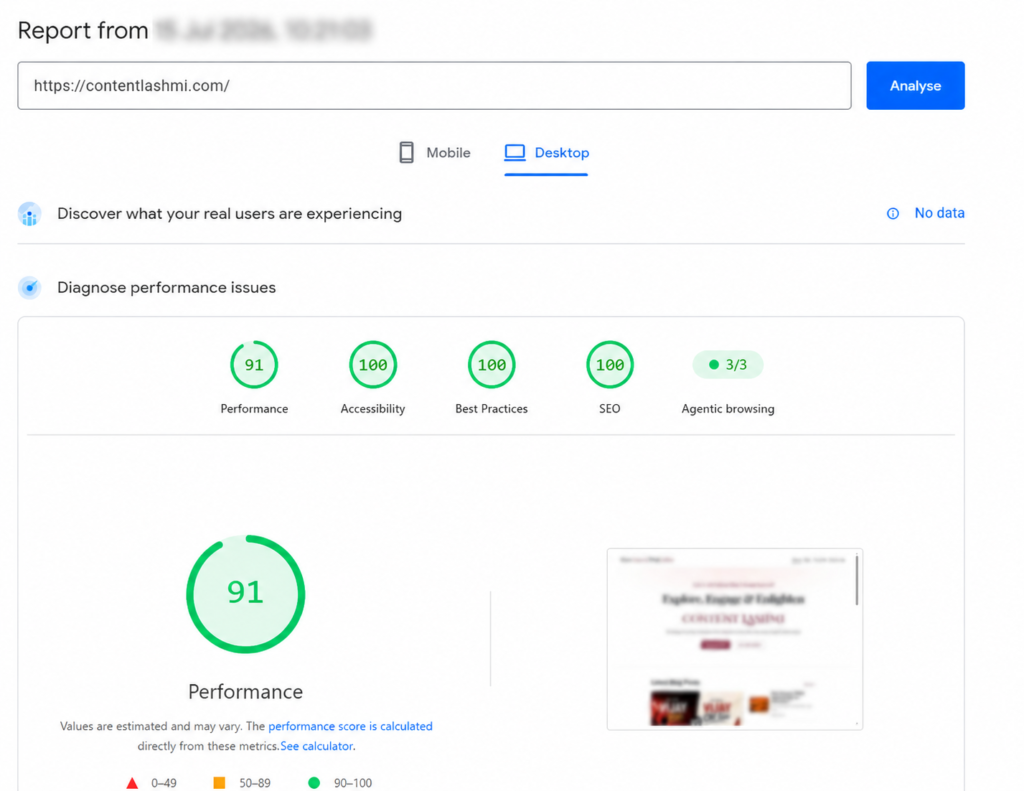
Within 48 hours, I had a completely redesigned website. A cleaner design. Better user experience. A PageSpeed score above 90.
And quite a few moments where I just looked at the screen and said… “Wow.”
That’s when I realized how valuable my internship had been. I wasn’t starting from zero. I already knew how websites worked, what could go wrong, and what needed attention before making changes.
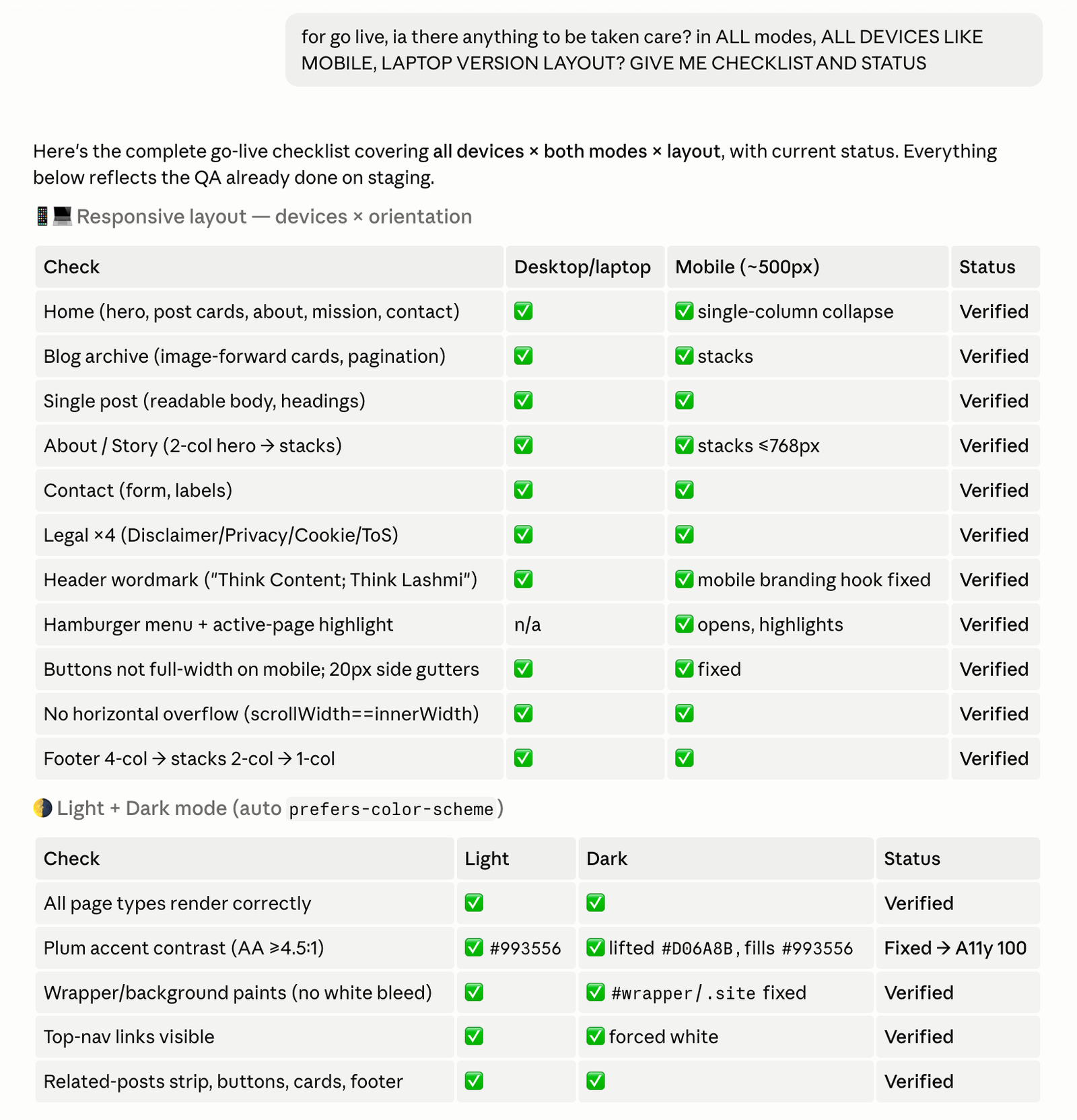
Before going live, I asked Claude Code to prepare a complete go-live checklist – backup, security, SSL, SEO, indexing, redirects, performance, mobile responsiveness, dark theme design, broken links, and anything else that could affect the site.
That old experience also helped me ask the right questions along the way. If something didn’t look right, I asked why. If I felt something was missing, I asked Claude Code to verify it again.
Things I Learned from this experience
As millennials, many of us learned technology one Google search at a time. We searched, watched YouTube videos, made mistakes, got frustrated, and somehow figured things out. It took time, but that’s how we learned.
Gen Z is growing up in a very different world, where AI can explain things, guide you, help you build, and troubleshoot within minutes.
Back in 2021, I spent two weeks building my first website. In 2026, rebuilding the same website took less than two days. Honestly, I still don’t know if one way is better than the other.
But I do know this – you don’t need to know everything before you start anymore.
Curiosity and the willingness to experiment can take you much further than you think.
Yes, If there’s one thing I want to pass on to my son, it’s this. Don’t wait until you know everything before you start. Stay curious. Ask questions. Try things. Make mistakes. Use AI as a tool, but don’t let it do all the thinking for you.
Being creative and innovative is what differentiates YOU from OTHERS.
Do check out the “New Chapter for Content Lashmi in 2024“. Read my other blog posts here.
Checkout my old blogs created in blogger.com.
https://luckysskitchen.blogspot.com/ – discovered my love for cooking after marriage. What began as a daily responsibility soon became my passion. The internet was my first teacher, and spouse was my greatest critic. I love creating simple, delicious homemade recipes that bring families together and make everyday cooking enjoyable. 🍲 I strongly believe that “Cooking is simply a means of love-care made visible. Happy Cooking! ❤️
https://luckyssdiary.blogspot.com/ – started this blog soon after graduating from college as a space to share my thoughts, experiences, and things that inspire me. I believe writing is a beautiful way to preserve memories, learn, and connect with others. Thank you for stopping by. I hope you find something here that inspires, informs, or simply makes you smile. Every story begins with a single thought worth sharing.